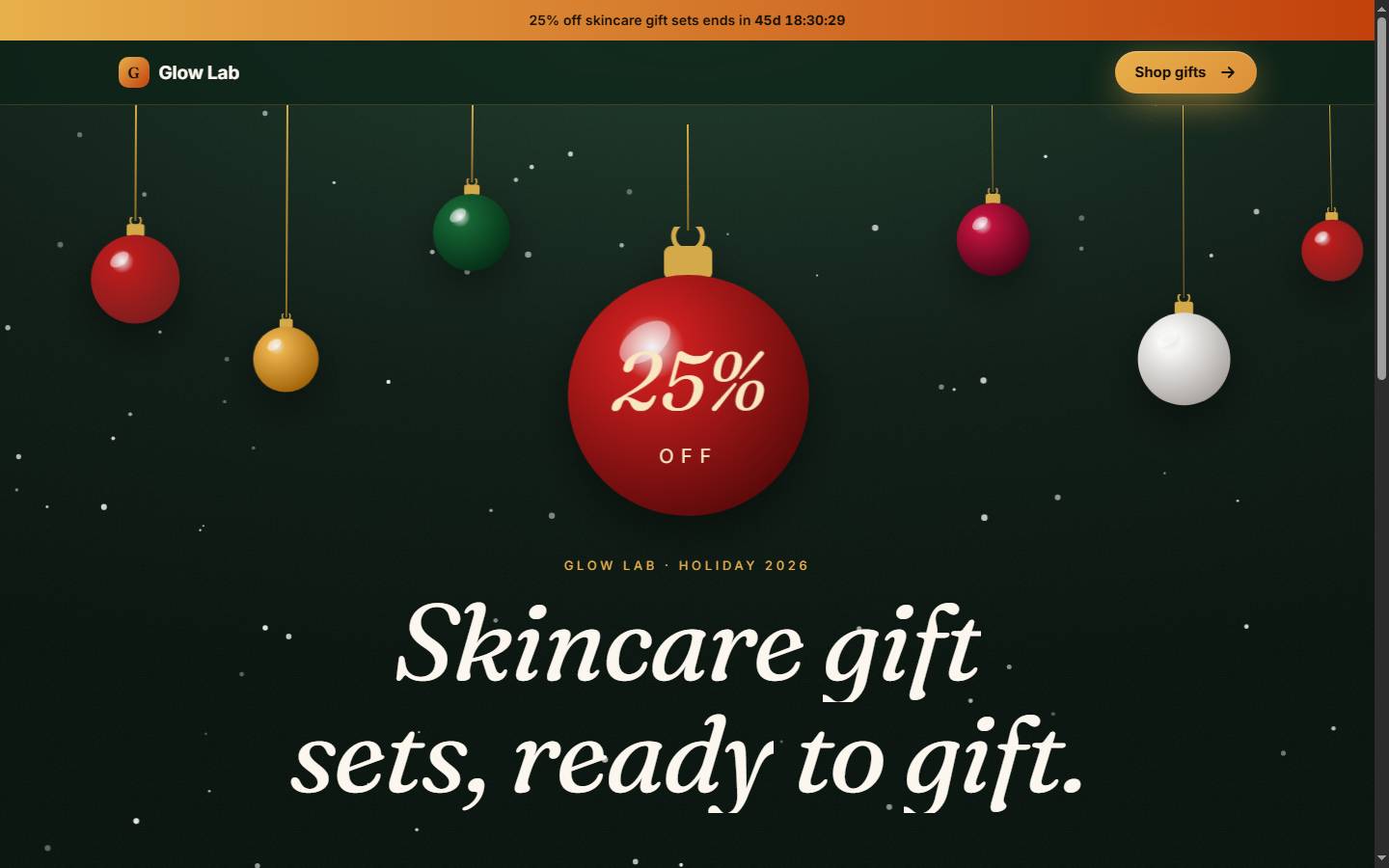
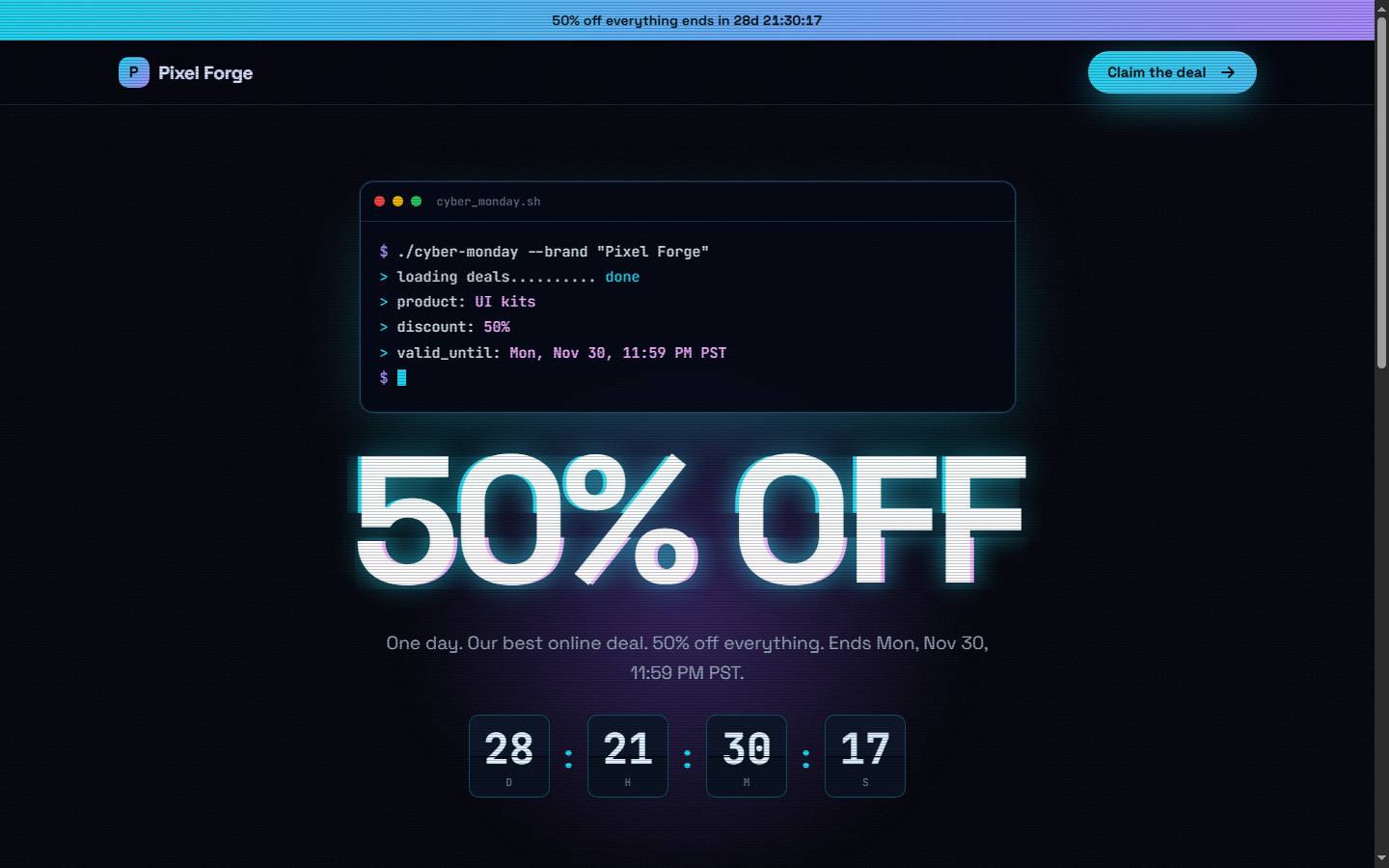
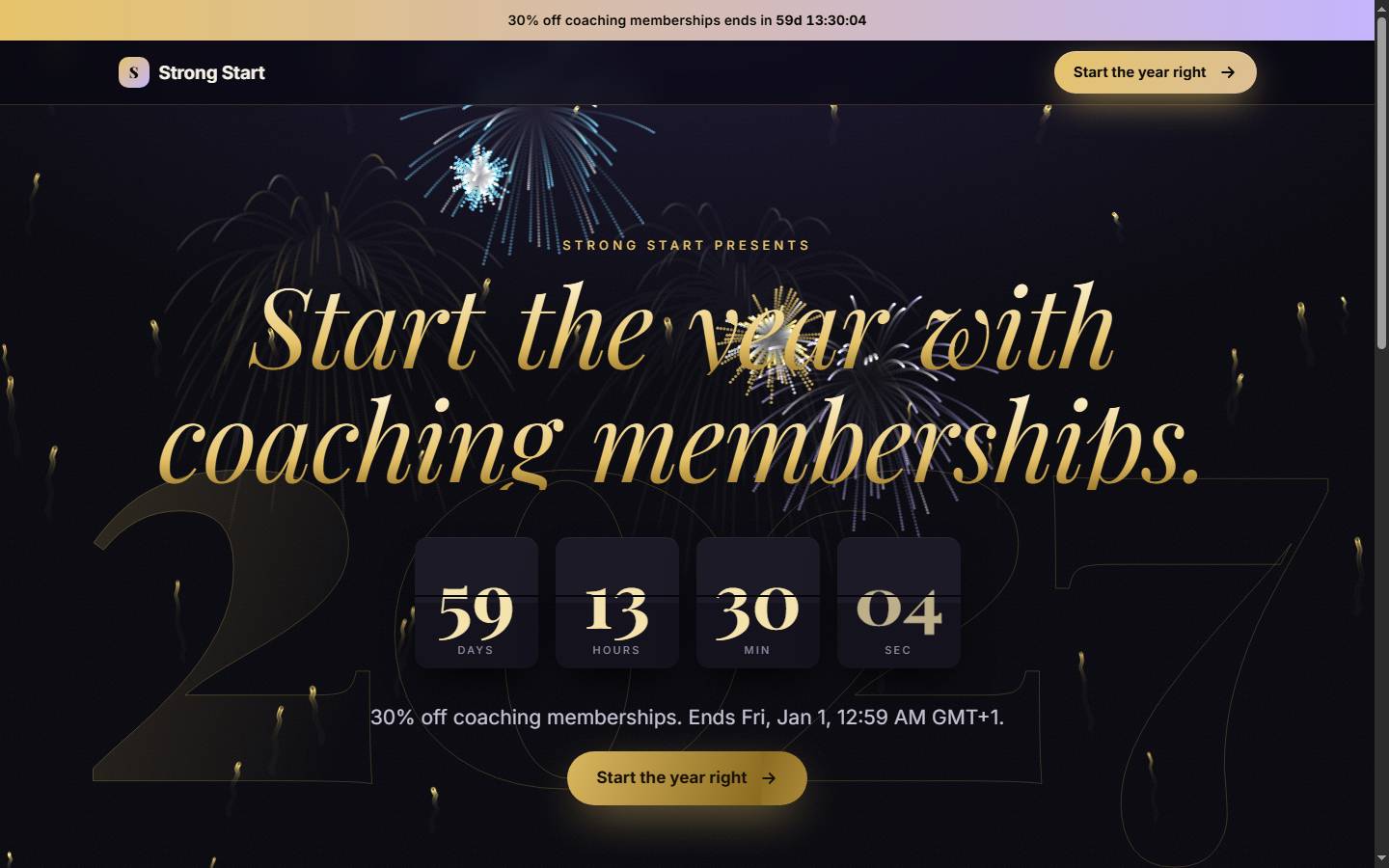
Tell Claude, ChatGPT or Codex what you sell, in your own words. Quint AI finds the dates and trends that matter where your customers live, plans the content, makes finished posts ready to share, and builds a sales page around your product.
New in 0.6.0 Posts and pages in your brand's own colours and fonts, designed graphics with vector elements, and a cleaner review page. What changed
Claude CodeClaude DesktopChatGPTCodexCursorAny MCP client
start_campaign
How it works
One messy sentence in. A whole campaign out.
Real people type "need bf content for ig, 30 percent off". Quint AI understands it, says what it assumed, asks at most three questions and keeps working while you answer.
01 · Understand
Your words, your places
Platforms like "ig, tik tok, status", places like "Lagos", "the Gulf" or "West Africa", offers like "N5k off" and deadlines like "ends nov 30".
02 · Find the moments
Dates that matter to you
60+ curated events and official holidays for 100+ countries, ranked for your audience and niche. A Lagos sneaker shop gets Black Friday and Boxing Day, not Diwali.
03 · Plan
Every post has a job
Tease, warm up, early access, launch, last chance, thank you. Launch days always post. Email and WhatsApp stay capped so people do not unsubscribe.
04 · Create
Fits what you sell
15 niche profiles drive the angles, hooks and shot lists: outsole close-ups for sneakers, fabric in motion for dresses, headlight sweeps for cars.
05 · Stay current
What is happening today
Today's top searches per country, upcoming public holidays and what the world is reading, with sensitive topics flagged so your brand never newsjacks a tragedy.
06 · Sell
A page built around your product
Drop in photos, a phone turntable video or a 3D model. The page is art-directed from what you sell, with motion that follows the scroll.
The calendar
Every month has a reason to sell.
Computed by rule (Easter, Thanksgiving, Mother's Day) or verified tables (Ramadan, Eid, Lunar New Year, Diwali, Hanukkah), with a note where moon sighting can move a date. Plus live official holidays for 100+ countries.
Highlighted: high-impact shopping moments. This strip is generated from the same data the tools use.
Content kits
Finished posts, ready to share.
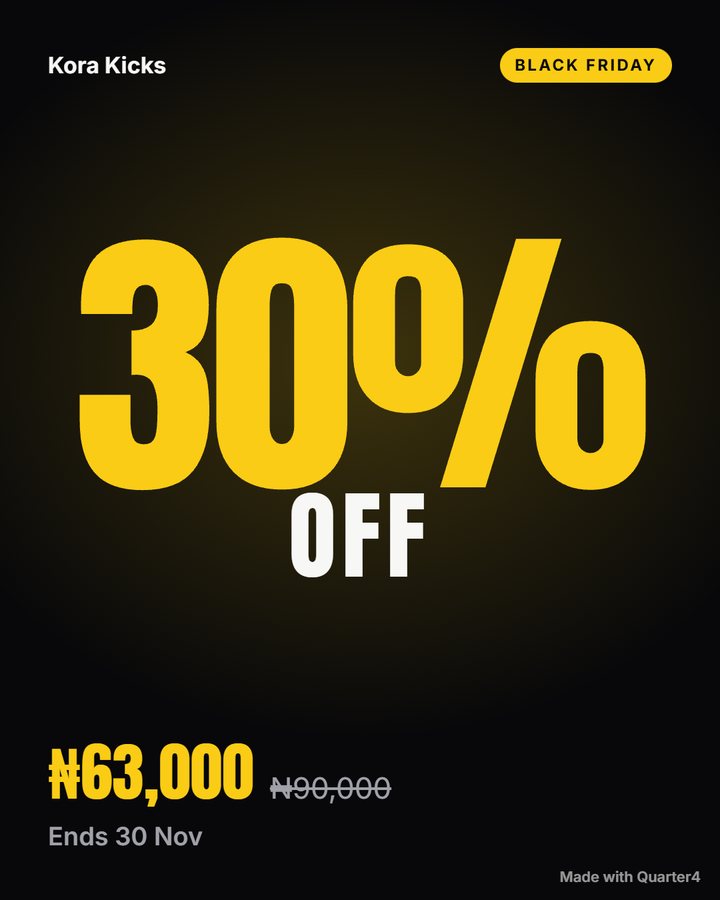
Ask for a kit and get every post for your sale on one page: designed graphics at the right size for each app, with captions written for Instagram, WhatsApp, X and LinkedIn. Open it on your phone, tap Share, and the image goes straight into Instagram, TikTok or WhatsApp.
One focal point, then price, then the end date. Exported at 1080×1350.
Eight posts per saleOffer post, product spotlights, a carousel, Story and WhatsApp Status, a last-call story and a card for X and LinkedIn.
Captions per appWritten from your real prices and dates. X posts always fit 280 characters. No hook is used twice in a plan.
Your real productsBefore making anything, your assistant asks once: send your photos, use a representative photo (labelled on the post), create images, or go without. Products are never drawn or faked.
Studio photos, freePhone photos are cleaned up on your own computer: colour, sharpness and background removed, placed on a studio colour or a scene of your choice.
Change anything laterAsk for a new photo or caption and the kit updates at the same link.
The pages
Pages that do not look generated.
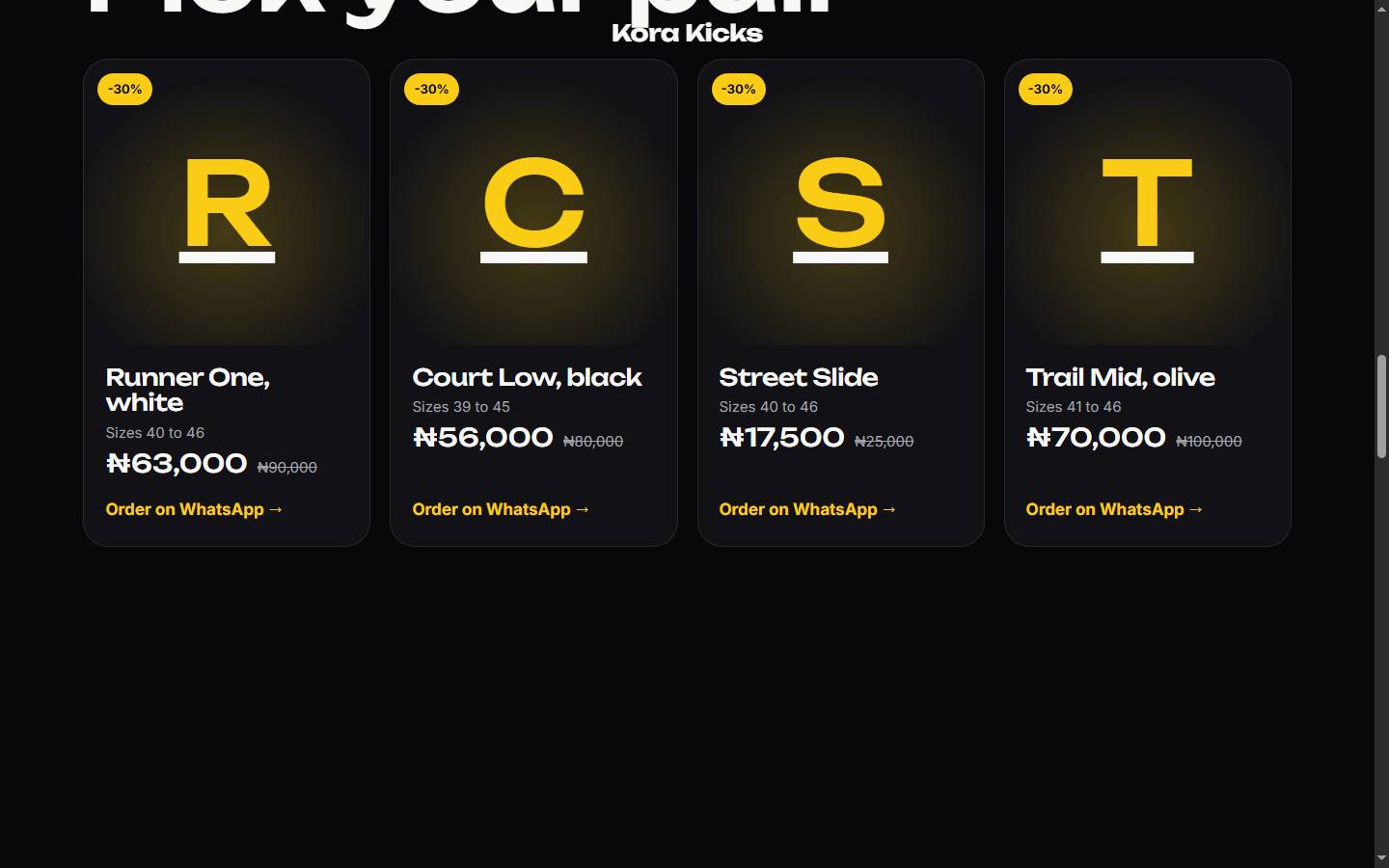
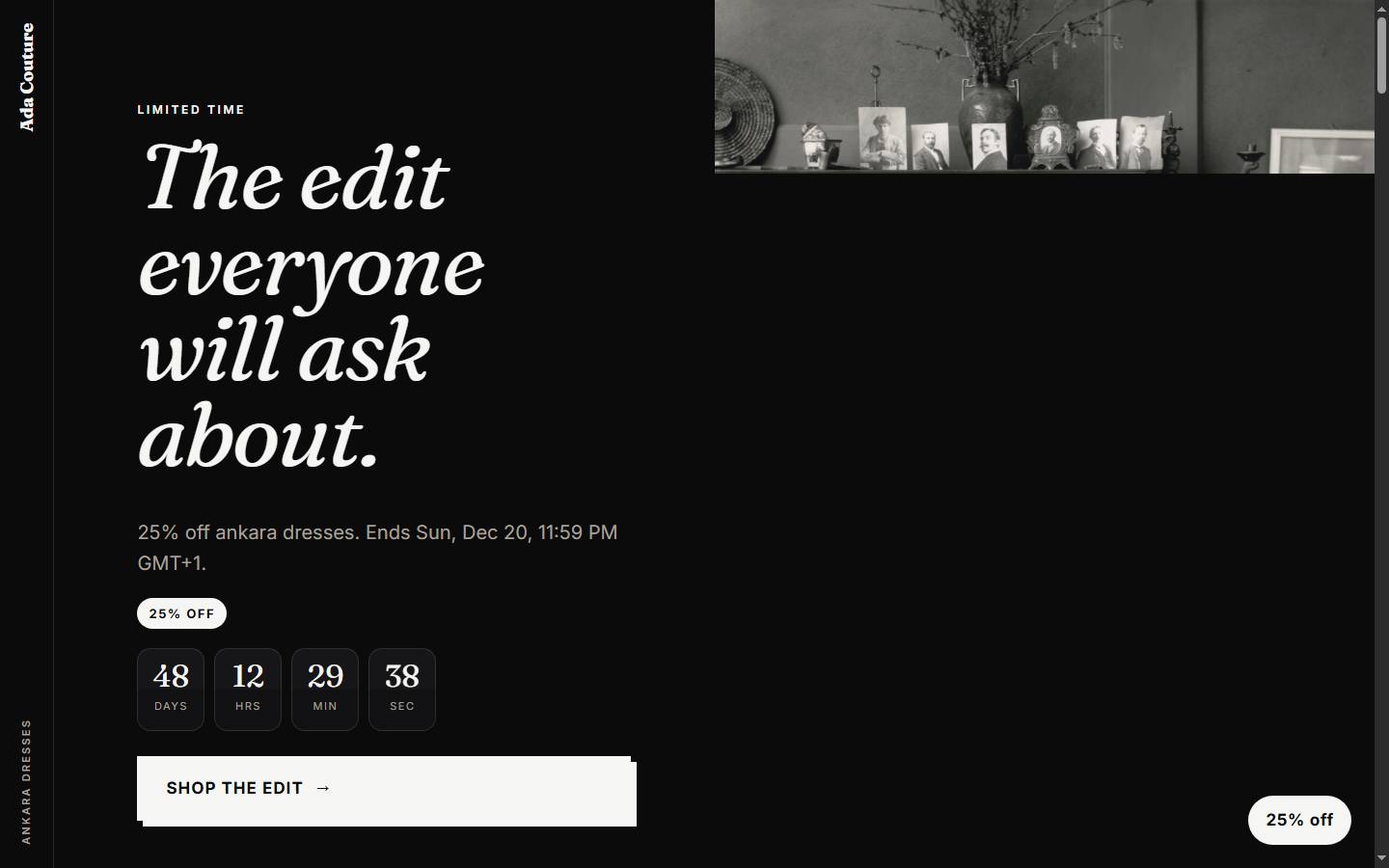
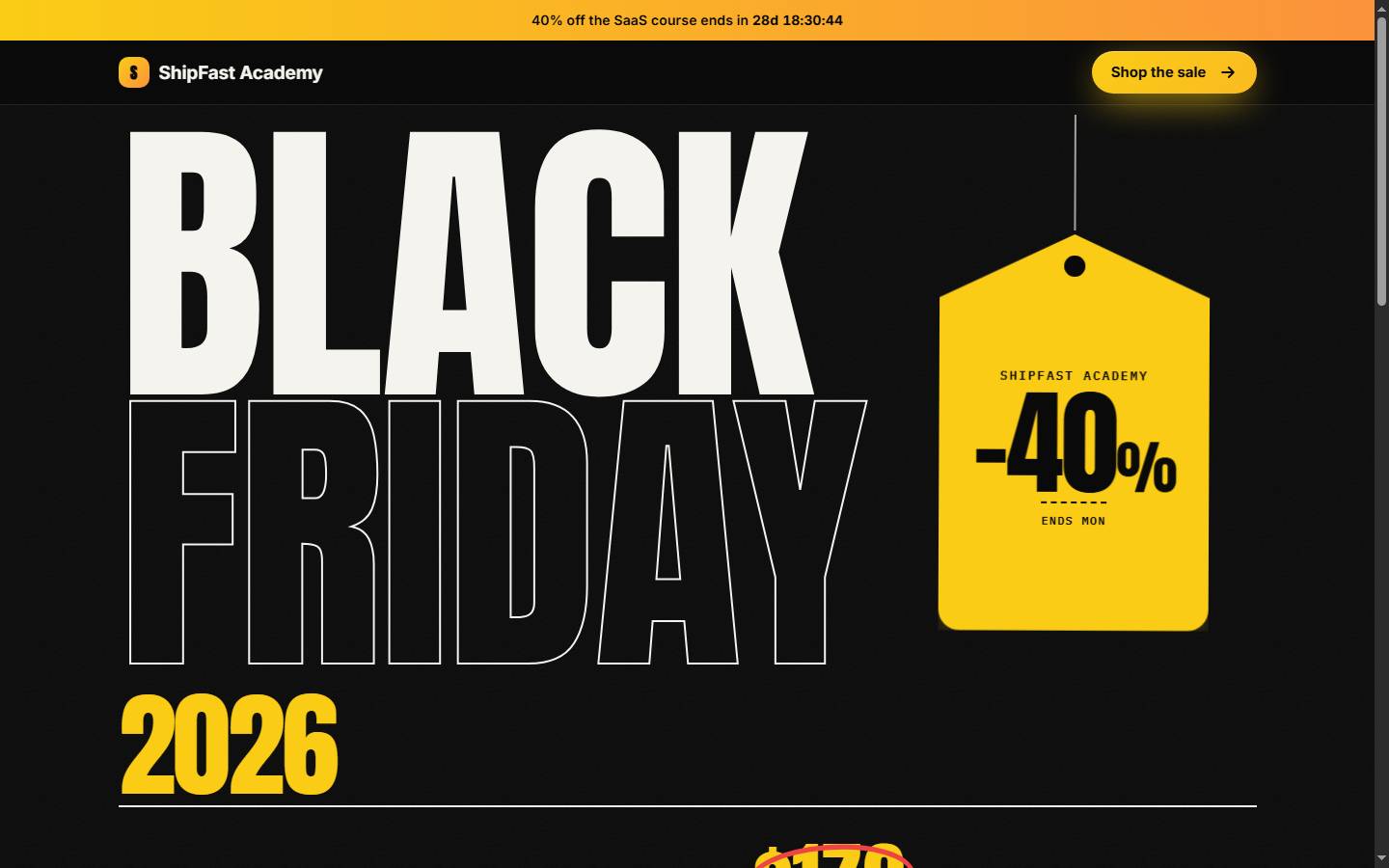
An art director picks the structure from the product: cinematic scenes for cars and gadgets, a split showcase for fashion and food, a product stage for shoes and beauty, editorial for courses and software. Fonts, navigation, buttons, countdown and FAQ style change per brand. Each page below is one tool call.
whats_on checks today's searches per country, the public holidays coming up and what the world is reading. Topics about deaths, disasters, crime or politics are moved to "avoid".
Example: Nigeria, sneaker shop
Newcastle vs Evertonfits niche
ASUU strike talkssafe, low fit
Al-Nassr FCfits niche
Learjet 60 crashavoid
Shape of a real response; topics change daily.
Holidays it caught
UK Boxing Day 2026moved to Mon 28 Dec
Nigeria Boxing DayMon 28 Dec
Eid al-Fitr 20279 Mar, ±1 day
Mothering Sunday 20277 Mar (UK, Nigeria)
Substitute days come from official holiday data, not guesses.
Honest by default
Built to sell without lying.
What Quint AI never does
Invent reviews, results or stock counts
Show a "was" price you never charged
Run a countdown that resets
Use another brand's logo photos (filtered out)
Show a stock or drawn picture as your product
Sell on remembrance days or around tragedies
What every brief includes
Ad and affiliate disclosure
AI-image labels where platforms require them
Licensed music reminders
Niche rules: APR for car finance, no cure claims for beauty, allergens for food
Photo credits on every page
A label on any representative photo
Inside
Sixteen tools, six skills.
The tools work in every MCP client. Claude Code and Codex also get guided skills: /quint-ai:campaign runs the whole flow from one sentence.
start_campaign
Understands the request, ranks the moments, says what to post now.
event_calendar
Holidays and shopping days for any dates and places.
whats_on
Live searches, public holidays and world reading, with safety flags.
content_plan
Day-by-day plan per platform: phase, angle, hook, shot, size.
asset_brief
Brief for a post, image, carousel, story, video or email.
platform_specs
Sizes, limits, safe zones and cadence for 10 platforms incl. WhatsApp.
find_images
Free licensed photos with attribution; logos filtered.
landing_page
Art-directed sales page from your product, photos, video or 3D model.
export_plan
CSV for Sheets and Notion, ICS for your calendar, Markdown.
publish_page
Live link in seconds: quint-yourbrand.erasstack.com.
page_stats
Views and WhatsApp order clicks per product.
connect_domain
Pro: your own domain with automatic HTTPS.
content_kit
Finished graphics and captions on one page: share, copy, download.
studio_photo
Clean product shots on your own computer, background removed.
brand_profile
Save your voice, products and order link once; reused everywhere.
cloud_account
Connect in one step, plan, dashboard and upgrade links.
Install
Free. 30 seconds.
Open source, MIT licensed, no account needed. For live links, content kits and your dashboard, say "connect my Quint AI account" and approve in your browser: no keys to paste. Optional for studio photos: pip install pillow "rembg[cpu]".
/plugin marketplace add phestplus/quint-ai-mcp
/plugin install quint-ai@phestplus
# then describe your business:
/quint-ai:campaign i sell sneakers in lagos, black friday content for ig and whatsapp
codex plugin marketplace add phestplus/quint-ai-mcp
# then open /plugins and install Quint AI